

- Plan-based emails — Send different content to free vs. paid users.
- Engagement splits — Take different actions based on user activity.
- Personalization — Tailor follow-ups based on event payload values.
Setting up a branch
- Using the dashboard
- Using the API
Add a True/false branch action and configure the condition using the editor.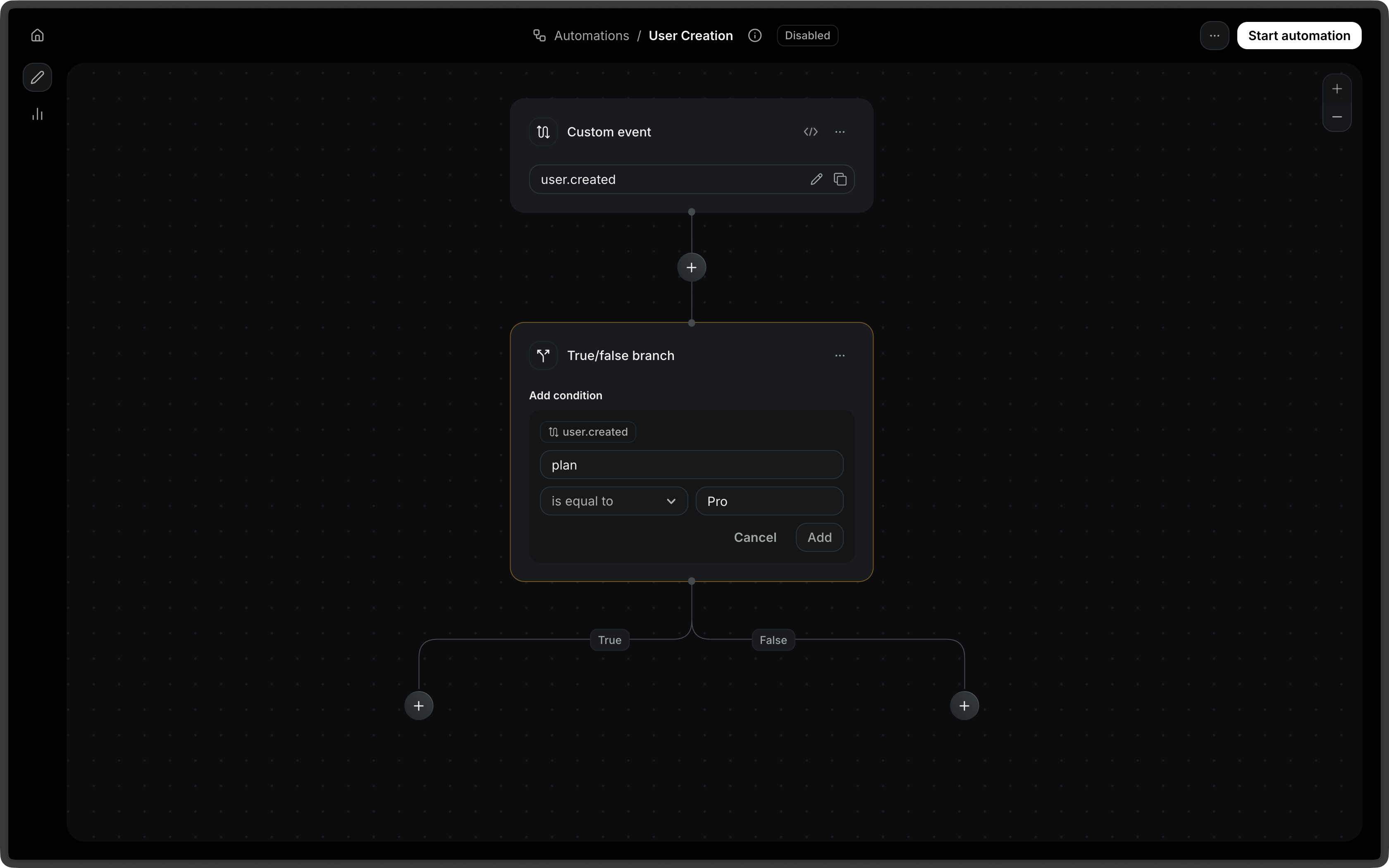
Configuration
The type of condition node. Possible values: -
rule - and - orrule type:
The field to evaluate. Must use the
event. or contact. namespace prefix
(e.g., event.amount, contact.email).The comparison operator. Possible values: -
eq: equals - neq: not equals -
gt: greater than - gte: greater than or equal to - lt: less than -
lte: less than or equal to - contains: contains a given value -
starts_with: starts with a given value - ends_with: ends with a given
value - exists: field exists - is_empty: field is emptyThe value to compare against. Not required for
exists and is_empty
operators.and / or types:
An array of nested condition config objects. Must contain at least one item.
and or or to combine multiple rules into a single branch:
Edges
A condition step always produces two outgoing edges.| Edge type | Description |
|---|---|
condition_met | Taken when the condition evaluates to true |
condition_not_met | Taken when the condition evaluates to false |
Related steps
- Send Email — Send different emails based on branch conditions.
- Delays — Add time delays in different branches.
- Contact Delete — Conditionally remove contacts based on criteria.