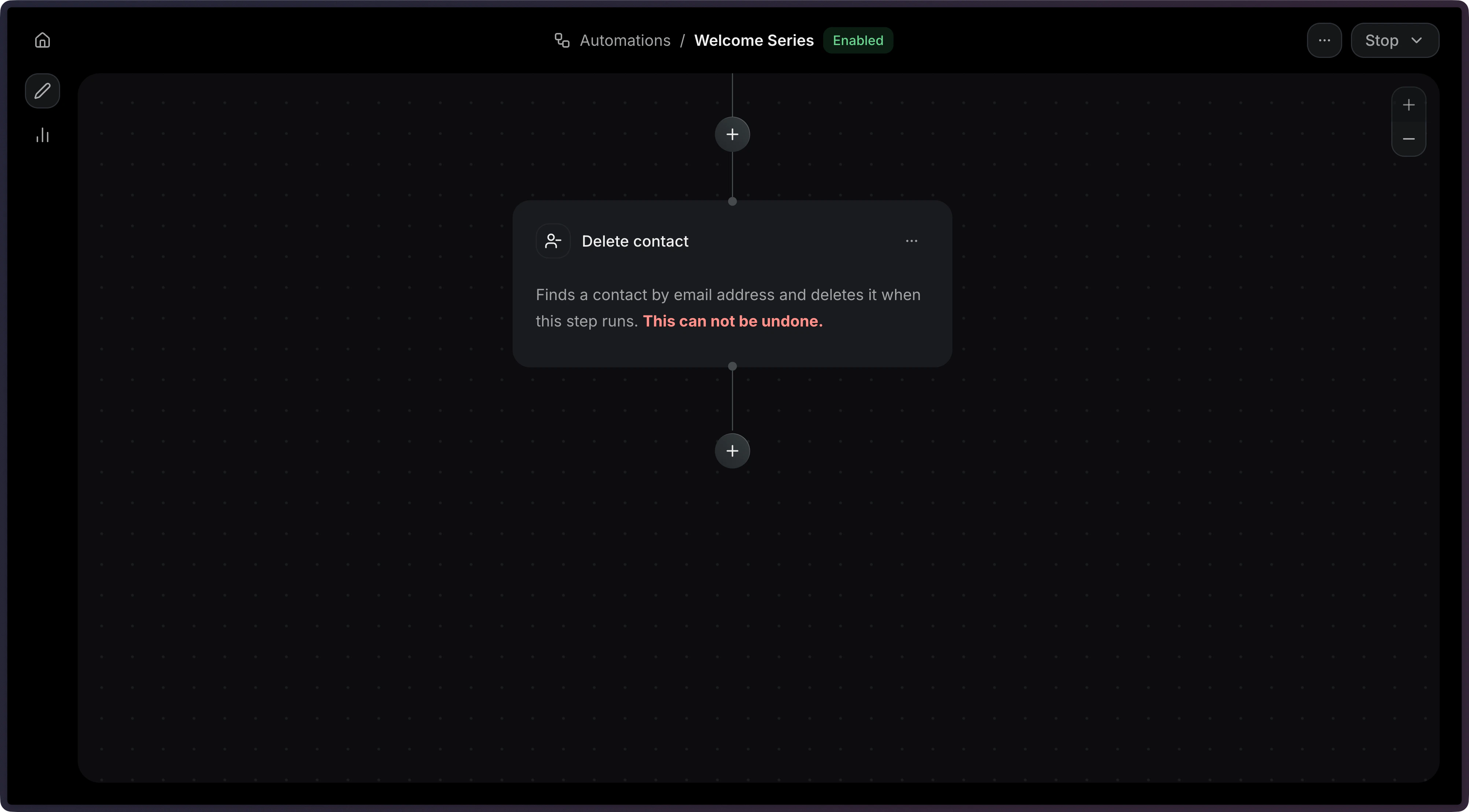
Remove a contact from your audience in an Automation.
Automations are currently in private alpha and only available to a limited
number of users. APIs might change before GA.To use the methods on this page, you must upgrade your Resend SDK:
npm install resend@6.10.0-preview-workflows.3
Contact us if you’re interested in testing
this feature.
This step removes the contact that triggered the Automation from its Audience. Once deleted, the contact will no longer receive emails from that audience and any remaining steps in the Automation run are skipped.Common use cases:
Compliance — Delete contacts as part of a data-removal workflow.
Churn — Remove a contact, when a user stops using your service.
Unsubscribe flows — Automatically remove contacts who opt out.
The config object is empty, so no additional fields are required.
Deleting a contact is permanent. The contact and all of its properties are
removed from the audience. If the contact needs to be re-added later, it must
be created again.